
Learn to automate complex marketing operations with Gliiz: workspace, brand context, content, campaigns, prospecting, customer conversations, performance and integrations.
Connect Gliiz to your tools
Pick your entry point: an AI assistant through MCP, the REST API, webhooks, or the assistant you install on your website. Every guide is step by step.
View all integrationsPlatform Modules
Explore each component of Gliiz through step-by-step guides, real-world workflows, and complete technical references.
Introduction
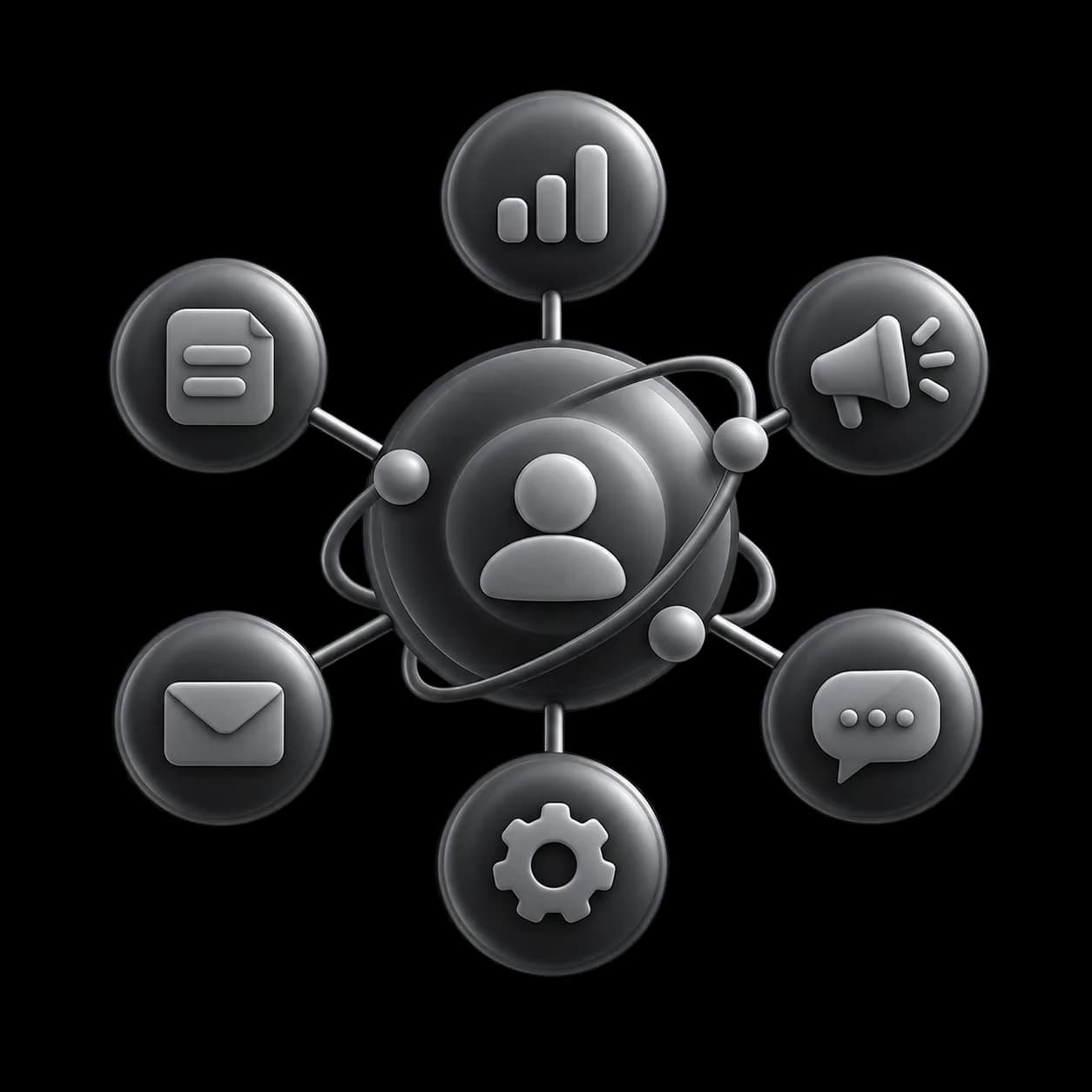
Gliiz is a marketing automation workspace that enables a business and its partners to prepare, execute, measure, and improve their marketing operations tied to a commercial sales pipeline, within a shared brand context.

Quickstart
Set up your first project in under 10 minutes: create a brand identity, connect a social account, and generate your first AI flyer. Follows the onboarding wizard step by step through identity, colors, typography, and contact.
Workspace & Projects
Manage several brand projects from a single workspace (the number depends on your plan, up to 30 with Agency). Each project has its own brand charter, social accounts, library, automations, and analytics, isolated from other projects.
Brand Identity
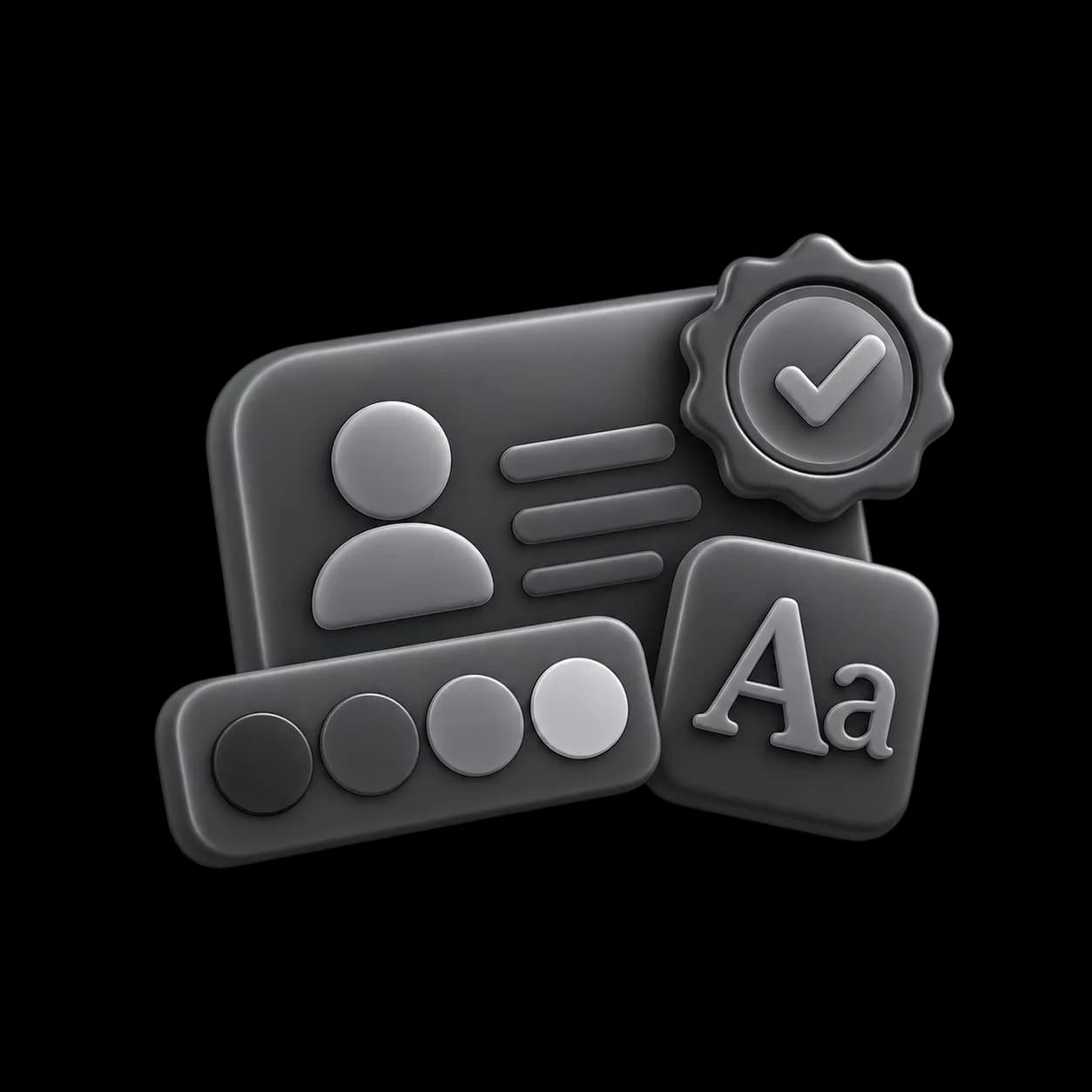
Define your visual identity through the 5-step onboarding wizard: brand name, logo, industry, business context, color palette, communication tone, contacts and visual signature; typography is set afterwards in Settings → Brand. The AI uses this charter at every generation.

Credits & Billing
How AI credits work, understanding plans, managing your collection wallet, and making secure cash withdrawals to Mobile Money.

Notifications
One single mechanism tells you about everything needing your attention: a mention, an urgent lead, a post that did not go out, an engine that stopped. In-app trace with a “View” button, Telegram, and email where it adds something.

Creative Studio
The complete Creative Studio guide: AI images and videos, models and credits, Storyboard, Node Canvas (nodes, ports, groups, compositions), voices and the multi-track video montage.

Video Edit
AI post-production on your existing videos: animated captions, silence removal, audio leveling, and social-ready exports. Priced per started 30-second block, with format and size limits.

Marketing Operations
Group the campaigns, ads and posts of one goal and see what they produced: people reached, emails delivered and opened, replies, sales, payments, costs, review and brand memory.
Prospecting
Build a file of businesses to approach, write to them by email or SMS, follow what becomes of each message (delivered, opened, bounced) and follow up on those who never replied. Addresses that bounce or unsubscribe are closed automatically.
Automations
Schedule recurring AI-generation workflows: choose platforms, recurrence (daily/weekly), posting time, and approval mode. Posts are generated automatically, held in the approval queue if required, then pushed to the publication queue.
VIBE & Turbo
VIBE is Gliiz's single conversational brain, reachable from the web chat or from Telegram (Turbo). One memory, two channels: ask for content, publish, manage your account, all in natural language.
AI Auto-Reply
AI-powered inbox that handles comments and DMs across all connected social accounts. Includes sentiment analysis, escalation routing, approval queue, and configurable auto-reply rules, all aligned with your brand's tone of voice.

Website Assistant
Install a conversational AI assistant on a company website with one script tag. Dedicated key generation, allowed domains, HTML/Next.js/React/WordPress snippets, widget language, and per-key caps.